— Guide
Mobile Guide
Playable on mobile — expect harder parry timing; verify controls in-game.
// Guide Summary
VV runs on mobile Roblox but parry-based combat is harder on touchscreens. We do not publish unverified touch bind maps. Use larger UI scale, stable Wi-Fi, and consider ranged/Kido builds if parries feel inconsistent — suggestion only.
What to Expect
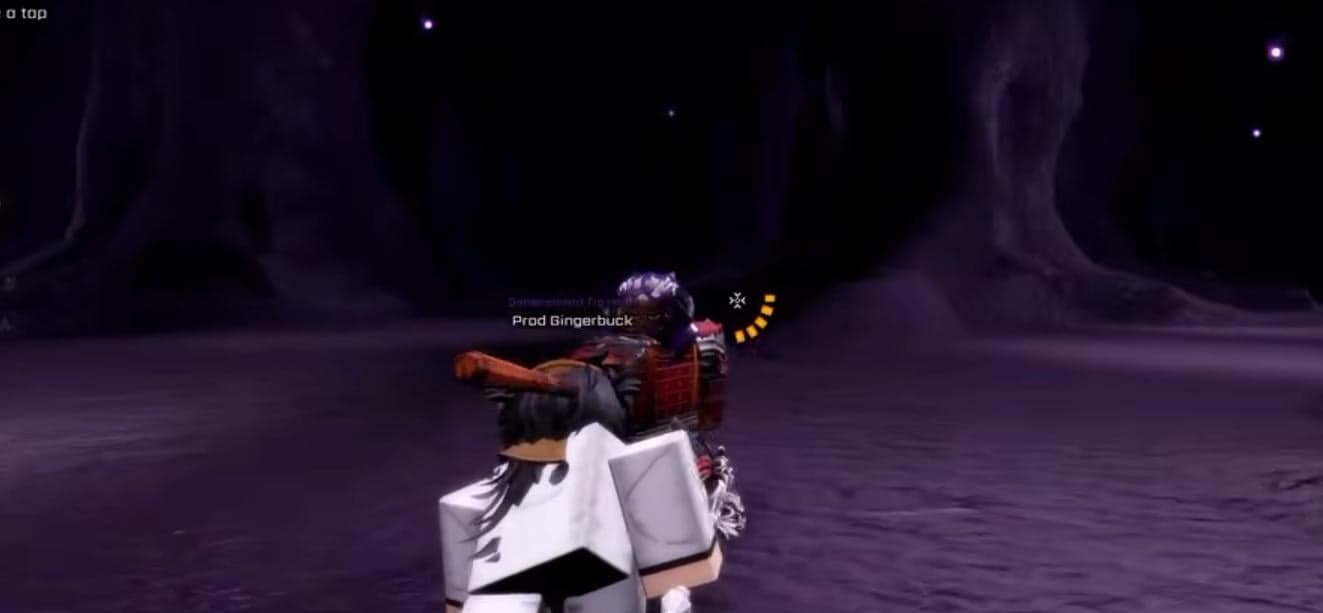
Site combat guides assume PC: M2 parry, F red counter, Space dodge, Q Flash Step (controls-guide).
Touch lacks mouse precision — parry windows from tutorial (red/yellow/AoE rules in beginners guide) are harder to hit consistently on phone.
Ready to Try It In-Game?
You've got the knowledge — jump into VV: ULTIMATUM and put this guide to work.
Practical Tips (General)
Increase UI scale in Roblox settings for readable telegraphs.
Use Wi-Fi — mobile latency affects parry registration.
Quincy ranged or Kido-heavy builds may feel smoother if melee parries frustrate you — opinion, not official mobile meta.
Key Tips
- ▸Verify binds in-game
- ▸No official mobile doc here
- ▸PC guides for mechanics
Next Up
Continue Your Journey
Players who read this guide often continue with these walkthroughs.

Ready to Try It In-Game?
You've got the knowledge — jump into VV: ULTIMATUM and put this guide to work.
Related Guides
PC controls: see Controls Guide (M2 parry, F red, Q Flash Step).
Play on RobloxWatch Original VideoBack to HomeVV Ultimatum Wiki · Updated June 2026