— Wipe
Prayer Beads Guide — What They Do & How to Wipe
Prayer Beads wipe guide — craft recipe, activation flow, what you lose, and when a full reset is justified.
// Guide Summary
How to wipe your character in VV: ULTIMATUM using Prayer Beads — craft from Soul Chain + Soul Essence or buy from shop, activate from inventory, and restart with a new race. Wipe deletes level, stats, skills, inventory, and all progression permanently. Prayer Beads = full character wipe (race, level, stats, skills, inventory).
Quick Reference
| Stage | Focus | Execution |
|---|---|---|
| Understand | Wipe scope | Know exactly what is lost |
| Acquire | Craft/shop | Secure beads intentionally |
| Decide | Use cases | Confirm reset is justified |
| Execute | Inventory flow | Perform wipe with no ambiguity |
| Restart | Race plan | Begin new route with clear goal |
What Do Prayer Beads Do in VV: ULTIMATUM?
Prayer Beads perform a full character wipe — your race, level, stats, skill tree, inventory, and all progression are permanently deleted. You restart as a new character in the same Roblox account slot.
This is different from build reset (keeps race/level) or Hogyoku wishes (partial fixes). Use beads only when you want a completely fresh start.
Key Tips
- ▸Full wipe only
- ▸Irreversible
- ▸Craft or shop buy
What Wipe Actually Deletes
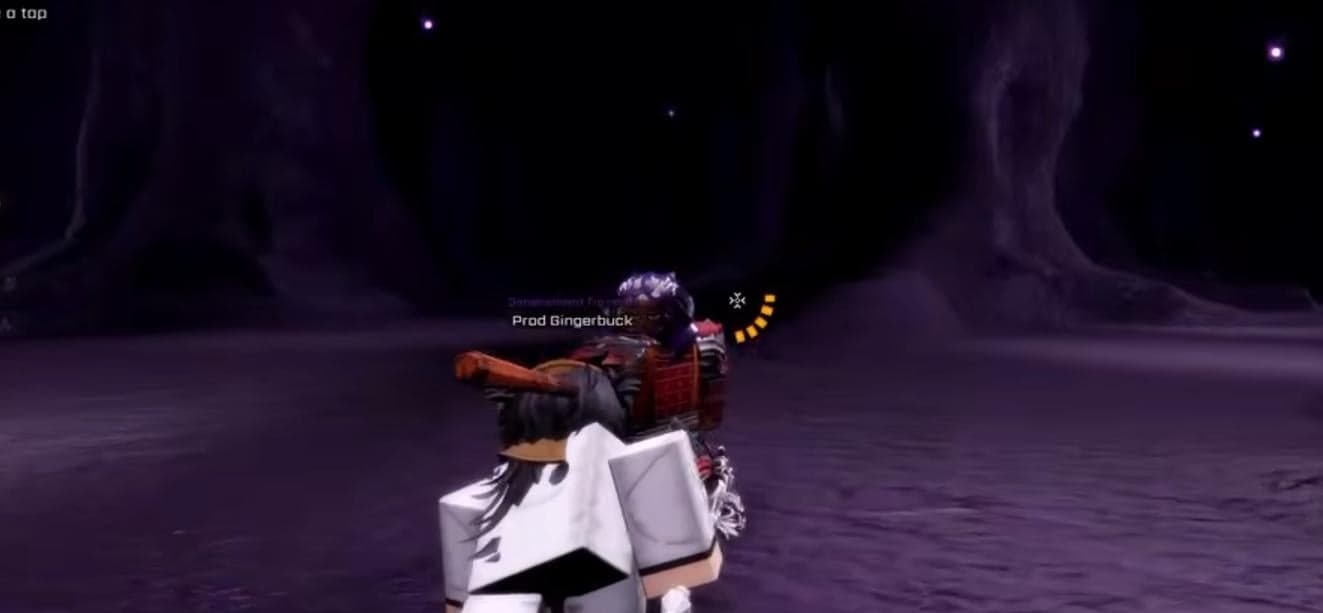
Prayer Beads wipe is full reset: race, level, stats, skills, inventory, and progression are erased.
This action is irreversible under normal flow, so treat it as account-level decision.
The only valid mindset is intentional rebuild, not emotional reaction after one bad session.
How to Get Prayer Beads
Beads can be crafted from Soul Chain + Soul Essence or purchased via in-game shop, depending on current store state.
Craft route is usually preferred for players already running material loops and wanting controlled reset timing.
Never trigger wipe before confirming your next race path and first-session objectives.
Ready to Try It In-Game?
You've got the knowledge — jump into VV: ULTIMATUM and put this guide to work.
Activation Steps
Acquire beads, open inventory, activate item, confirm wipe, then return to character creation flow.
Double-check that all temporary goals are complete before activation; there is no rollback checkpoint.
If uncertain, pause and document your current build so your restart has a concrete improvement plan.
When Wipe Is Rational
Best reasons are race change intent, irreversible evolution mistake correction, or full build identity pivot.
Worst reason is short-term frustration; most performance issues are solved faster by tuning current setup.
Use wipe only when expected long-term gain clearly exceeds rebuild cost.
Post-Wipe Restart Strategy
Before wiping, pre-select next race and progression route so first hours are efficient.
Redeem available codes and use rerolls/resources strategically in the new run.
Apply lessons from previous run immediately: route discipline, notch management, and milestone prep.
Reset Mistakes to Avoid
Wiping without next-plan clarity often recreates the same issues on a fresh character.
Another mistake is using wipe to avoid learning core mechanics; this delays improvement rather than enabling it.
Treat Prayer Beads as strategic correction tool, not routine maintenance.
Next Up
Continue Your Journey
Players who read this guide often continue with these walkthroughs.
Factions
Which Race Should You Choose?
Hollow, Quincy, and Shinigami compared — traits, weapons, Kido, and elements.
Starter
Pre-Play Starter Guide
Everything before your first session — races, codes, Gelum, quests, and systems overview.
Starter
Beginner Guide
Ten-step route from first login to Lv25 unlock prep.
Ready to Try It In-Game?
You've got the knowledge — jump into VV: ULTIMATUM and put this guide to work.
Related Progression
Use this with linked hubs to keep race, build, and leveling routes aligned.
Play on RobloxWatch Original VideoBack to HomeExpanded from controls, quests, crafting, races, maps, items, and tier-list references.